
PADD - pi-hole stats

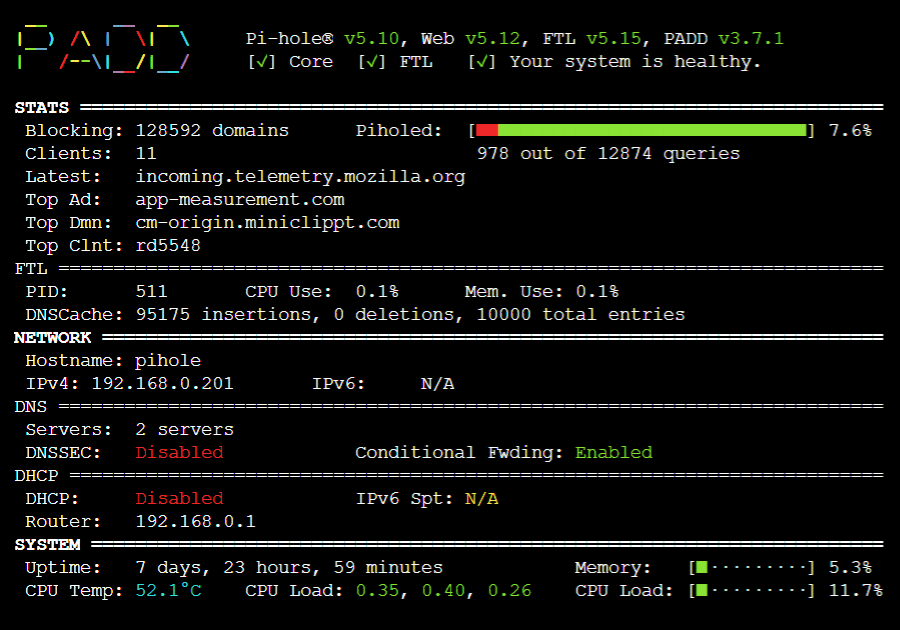
I have been running PADD on a 7 inch screen which is attached to my Raspberry Pi 4 for a fair number of years now. I recently obtained a POE Hat for it but after fitting it, I soon realised that it couldn't allow the screen to be attached at the same time. Not on its own at least. This was because the screen connected to the GPIO pins which is how it got its power. After fitting the POE hat, the pins didn't poke far enough through the top of the POE hat for the screen to be attached to the appropriate pins.
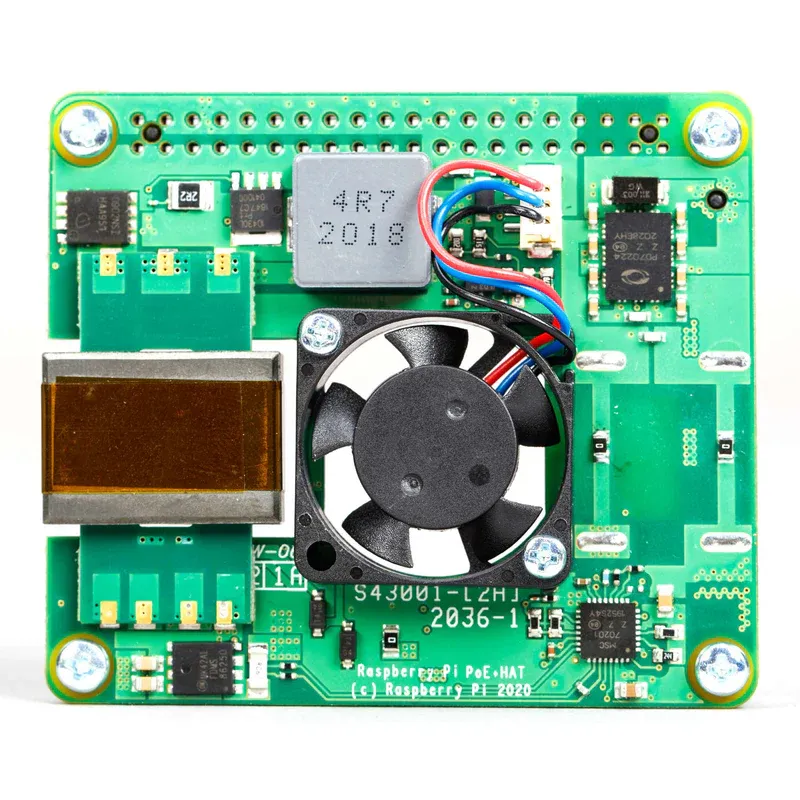
I also realised that the pi could no longer be attached to the back of the 7 inch screen as the mounting hole were now being used by the POE hat. So I took it off.
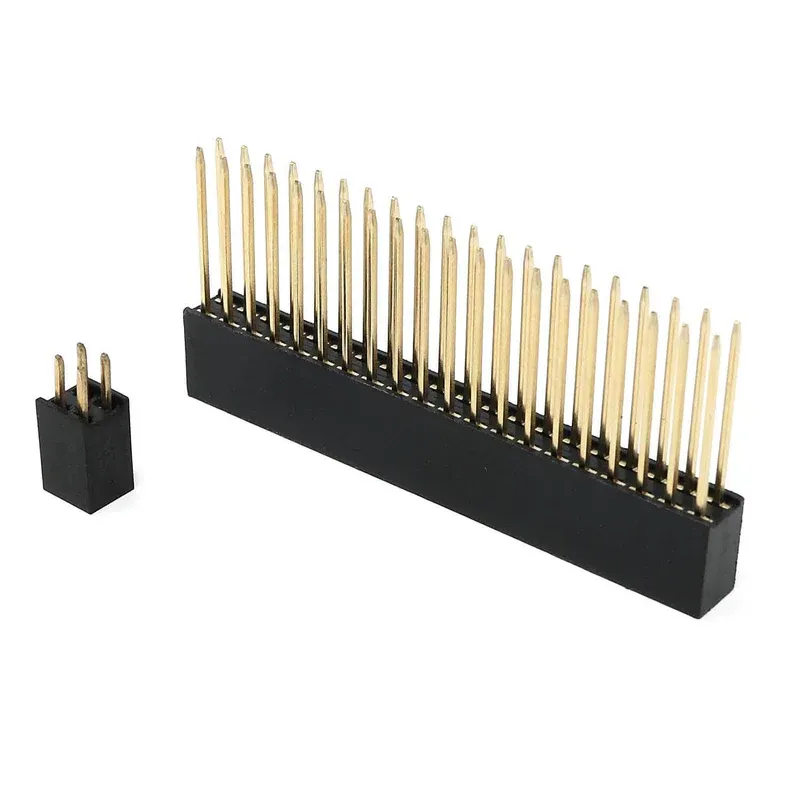
I purchased an extra tall headers kit (pictured above) These push fitted onto the GPIO pins on the pi and after fitting the POE hat, the pins poked through plenty enough for me to attach the screen cables so it could get its power.
It was quite a good fit and I decided to not attach the POE hat to the pi and this allowed me to still fit the pi to the back of the screen. It quite a snug fit and I feel confident that it will remain in place.
Hooked up the power leads for the screen and plugged in the ethernet cable. Everything worked a treat.
It is here that I then decided to make a change to how PADD was launched. Rather than adding in a few lines to my .bashrc file:
if [ "$(tty)" = "/dev/tty1" ] ; then
  while :
  do
    /home/xander/padd.sh
    sleep 1
  done
fi
I decided to create a proper systemd service that ran on boot.
I created a file in the following location called "padd.service"
sudo vim /etc/systemd/system/padd.serviceInside this file I placed the following contents:
[Unit]
Description=PADD Pi-hole Dashboard
After=network.target

[Service]
User=xander
WorkingDirectory=/home/xander
Environment=TERM=xterm-256color
ExecStart=/bin/bash -c 'exec /home/xander/padd.sh'
Restart=always
RestartSec=5
StandardInput=tty
StandardOutput=tty
TTYPath=/dev/tty1

[Install]
WantedBy=multi-user.target
I then enabled and started this new service with:
sudo systemctl enable --now padd.serviceI then rebooted the pi.
This certainly worked but as it was running as a service and wasn't running against a user, it had lost permissions and was asking for a password to be provided so PADD could display the pi-hole's stats.
To rectify this issue, I had to amend the getty@tty.service by entering in the following lines:
[Service]
ExecStart=
ExecStart=-/bin/bash -c 'export FTL_API_PASSWORD="yourpassword"; exec /home/xander/padd.sh'
This created an override.conf file inside the following directory:
/etc/systemd/system/getty@tty1.service.d/This worked for a while but upon a reboot, it still asked for the password.
I'm sure that this should work but in the end I simply removed the password from all of my Pi instances and as a result of doing this PADD now loads and as there is no password associated, it simply loads.